
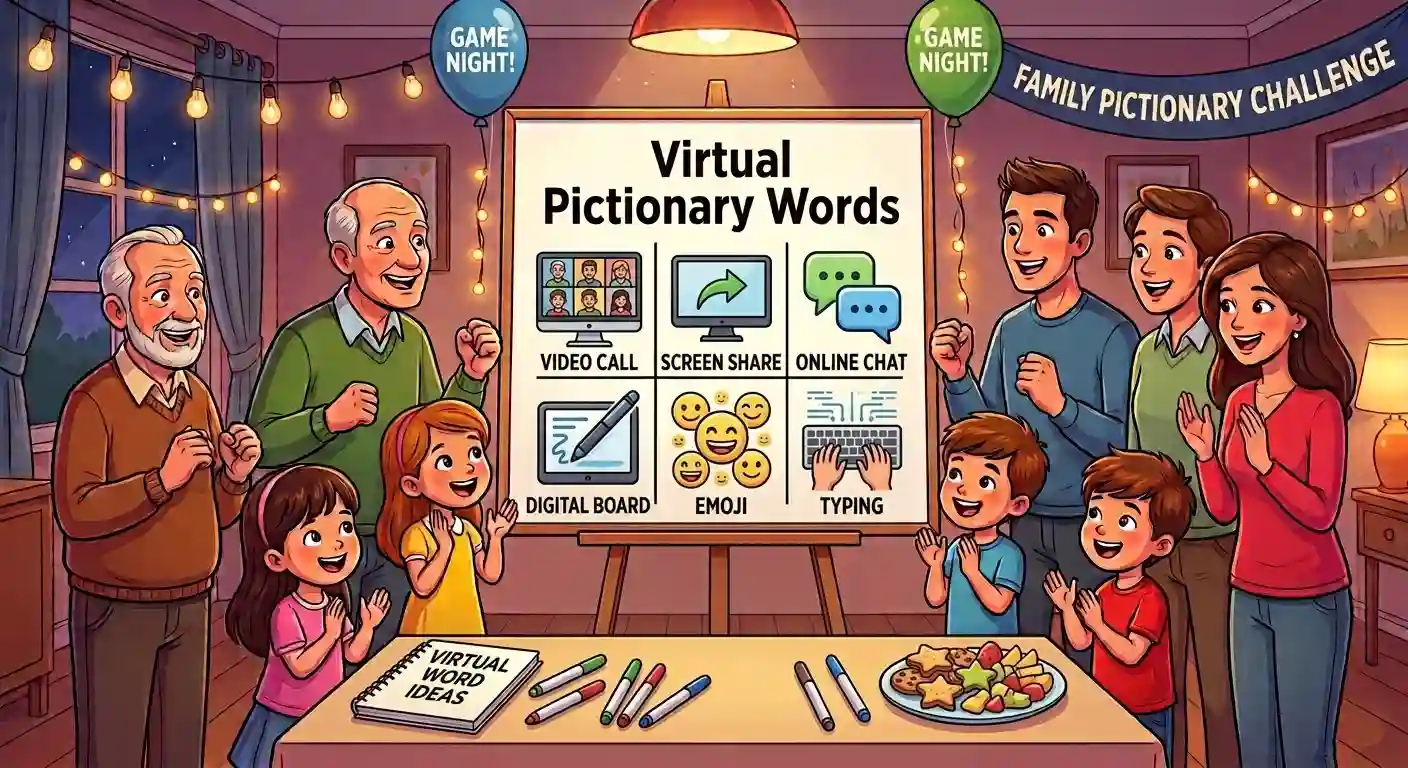
Moving game night to a screen does not mean losing the fast fun of a classic drawing game. Whether you are hosting a remote family reunion, hanging out with friends, or looking for an icebreaker for your team, a virtual Pictionary game is easy to set up and quick to learn.
Playing online takes a little adaptation. A digital tool replaces the physical deck of cards, and a shared screen replaces the notepad. A good online round depends on two things, the right setup and a strong list of virtual Pictionary words ready to go.
Table of Contents
How to Set Up a Virtual Pictionary Game
Playing online is simple once your software is ready. Choose the setup that suits your group before the call starts, so nobody has to sort out the tech while everyone waits.
| Video Platform | Whiteboard | Good For |
|---|---|---|
| Zoom | Built in whiteboard that everyone in the call can draw on | Work teams and large family calls |
| Microsoft Teams | Built in Microsoft Whiteboard | Office icebreakers and team meetings |
| Discord | Share a whiteboard site or app with screen share | Friend groups who already chat there |
| Google Meet | Use a partner whiteboard such as FigJam, Lucidspark, or Miro. Google Jamboard was shut down on December 31, 2024. | Classrooms and quick remote catch ups |
The Step by Step Setup
- Open the whiteboard. One player opens the digital canvas and shares it with the group.
- Use a virtual Pictionary generator. Instead of one person holding all the cards, everyone opens a Pictionary word generator on their own browser or phone. When it is your turn, you get a random word in private.
- Draw and guess. The active player draws with a mouse or a stylus while the others guess.
- Keep score. Ask one player who is not drawing to track points in the call chat.
The Best Virtual Pictionary Words
On a screen, avoid ideas that need tiny details. Mouse drawn sketches are messier than pen and paper, so pick words that stay readable in a few quick lines. These virtual Pictionary words work well on a digital whiteboard.
Easy Virtual Pictionary Words
Good for warm ups, kids, and quick rounds. For more of these, see our easy Pictionary words.
- Headphones
- Pizza
- Snowman
- Bicycle
- Spider
- Rainbow
- Laptop
- Coffee Cup
- Campfire
- Sunglasses
Medium Virtual Pictionary Words
Good for standard gameplay and remote teams. You can find more in our medium Pictionary words.
- Rollercoaster
- Astronaut
- Helicopter
- Microphone
- Skateboard
- Tornado
- Lighthouse
- Parachute
- Kangaroo
- Submarine
Hard Virtual Pictionary Words
Good for tie breakers and experienced players. Players who want more can try our hard Pictionary words.
- Time Zone
- WiFi Signal
- Procrastination
- Algorithm
- Jet Lag
- Gravity
- Identity Theft
- Multitasking
- Brainstorm
- Echo
Pictionary for Virtual Meetings
Pictionary for virtual meetings is a good way to break the ice before a long strategy session or a remote Friday get together. Follow these habits to keep it fun and professional. For more work friendly ideas, see our office, work, and school Pictionary words.
| Area | Do This | Avoid This |
|---|---|---|
| Time | Limit the game to 10 to 15 minutes as an icebreaker. | Letting the game run into the meeting agenda. |
| Words | Stick to safe, neutral groups such as objects, animals, and actions. | Inside jokes or jargon that new hires will not know. |
| Guessing | Have players type guesses into the text chat. | Letting 15 people shout over each other and cause audio lag. |
| Drawing | Laugh at clumsy mouse drawings, because they add to the comedy. | Pausing the game because a drawing is not perfect. |
Why Use a Virtual Pictionary Generator
Handling paper cards while you run a video call is clunky. A digital generator takes care of the setup so the game flows.
- No prep time. Nobody has to spend an hour writing 100 words before the call.
- Fair turns. A generator picks at random, so the host cannot hand easier words to friends by accident.
- Adjustable difficulty. You can pick Easy, Medium, or Hard, and choose a category that fits your group.
- Built in timer. Our free Pictionary word generator has a timer with 30, 60, and 90 second options, so nobody has to watch the clock on a phone.
Looking for a different mix of words? Try our Pictionary prompts list.
Frequently Asked Questions
How do you draw in virtual Pictionary without a touchscreen?
Most players simply click and drag a computer mouse on a digital whiteboard. It is less precise than a pen, but clumsy mouse drawings usually make the game funnier. If you want more control, use a tablet with a stylus and share your screen with the group.
Can you play virtual Pictionary with a large group?
Yes, but adjust the rules. For groups larger than 10, one person draws while everyone else types guesses into the chat box. The first correct written answer wins the point.
What is the best timer length for online Pictionary?
A 60 second timer works well for most groups. It gives players enough time to struggle with the drawing tools, yet it is short enough to keep the game moving so everyone gets a turn.